
Custom Colors
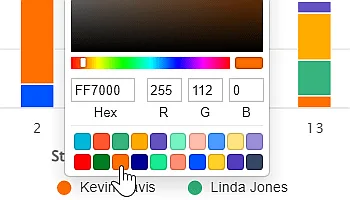
Change colors directly from any chart. Set a custom color palette for all charts.
Transform your raw Jira data into clear, insightful, and beautiful charts with Performance Objectives app.
Our rich visual customization features give you complete control to create Jira Dashboard reports that are not only readable and comprehensive but also perfectly tailored to your specific needs.
Change colors directly from any chart. Set a custom color palette for all charts.
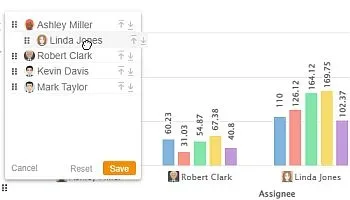
Reorder chart items with simple drag-and-drop and organize your data exactly the way you want.
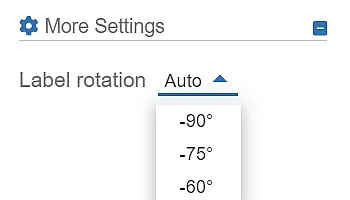
Adjust label alignment to improve chart readability and layout fit. Fine-tune text positioning for better clarity.
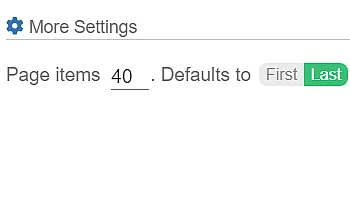
Handle charts with lots of items by splitting them into pages with built-in pagination.
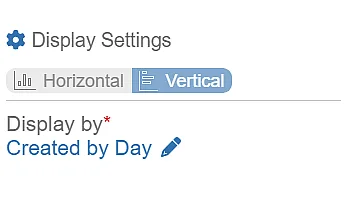
Switch to vertical layout to fit more items along the x-axis using extended height.
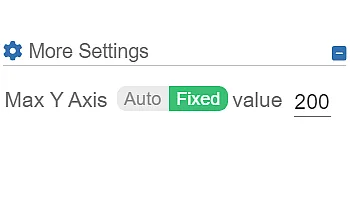
Customize the y-axis by setting a maximum value that fits your data needs.
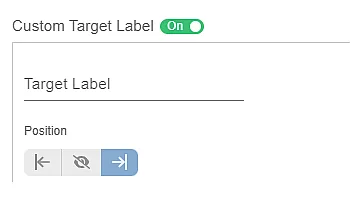
Define custom target labels – such as Max, Min, Goal, Benchmark – to suit your needs.
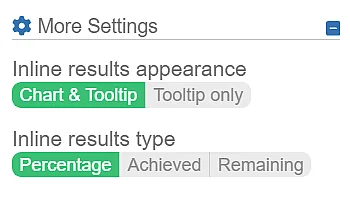
Display your target results as Percentage, Achieved, or Remaining – you choose the format that fits best.
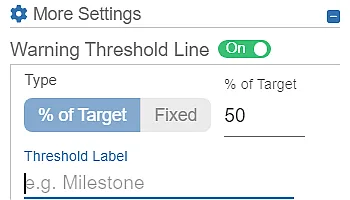
Show key thresholds or milestones on your chart – defined as a percentage of the target or a fixed value.