App Features for Powerful Jira Reports

Create advanced reports with a full set of powerful features: slice and dice your Jira data using flexible filters, switch between calculation types, build custom KPIs with formulas and conditional metrics, add multiple metrics to a single chart, and break data into custom buckets. Set targets directly in your reports and track performance – all within your Jira Dashboard using the Performance Objectives app.
Rich Data FIlters

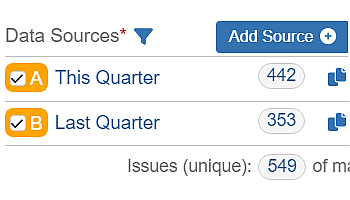
Drill down into your Jira data with flexible filters. Segment by project, issue type, status, assignee, JQL, and more.

Formula Metric Calculation

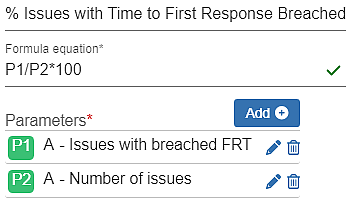
Create custom KPIs by combining multiple metrics with your own formulas. Define data sources and assign weights to parameters.

Conditional Metric Calculation

Filter Jira issues with custom conditions on metrics – using expressions like equals, greater than, or multiplication. Go beyond JQL.

Calculation Types

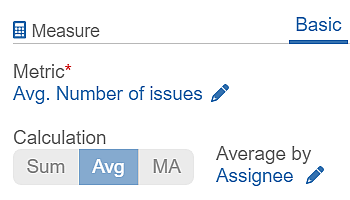
Highlight trends, smooth out fluctuations, or get totals at a glance. Choose from Sum, Average, or Moving Average to match your reporting needs.

Metric Splitters

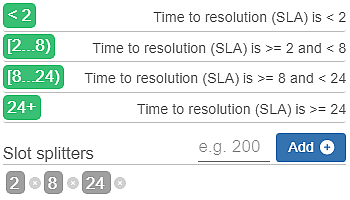
Break down Time, Number, Dynamic, and SLA metrics into custom data buckets using Slot Splitters for deeper insights.

Target Setting

Track goals directly in Jira with targets like Fixed Value, % of Total, % of Average, or % Change – using data from any source or metric.